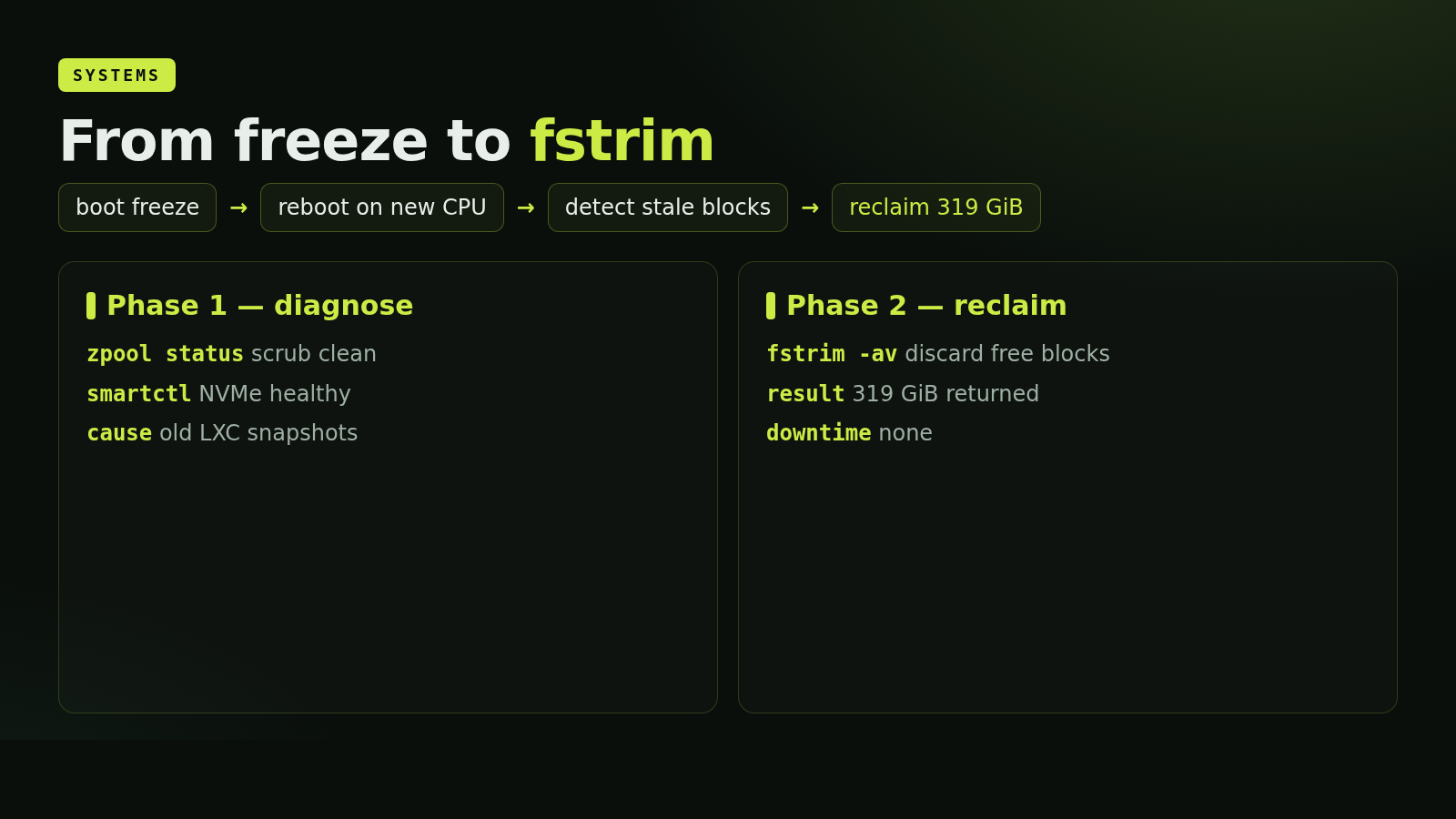
clusterFer is two Proxmox hosts, pve1 and host1, sharing one /etc/pve via corosync. host1 had been silent for weeks. I rebuilt it on a different CPU, fought a boot freeze, brought it back into quorum, and then realized its 500 GB NVMe had 319 GiB of free blocks the SSD did not know about.
This is the story of how clusterFer got its second node back, and what I found once I could log in.
The hardware migration
host1's old chassis was an 8 x AMD FX(tm)-8350 Eight-Core Processor (1 Socket) with 16 GB of RAM and three disks: a 4 TB SATA for the system and a legacy LVM-thin pool, a 500 GB NVMe (Crucial P1, QLC) for the active CTs and VMs, and a second 4 TB SATA for backups exported via NFS. Proxmox 8.x had been installed years ago and never reinstalled. The board failed.
I moved the disks into a different chassis with a Xeon E5-2680 v4 and 32 GB of RAM, expecting Proxmox to boot on the new CPU and figure it out. GRUB came up, I picked Proxmox Boot, and it stopped at:
Loading Linux 6.8.12-4-pve ...
Loading initial ramdisk ...
That was it. No kernel panic, no further output, no reaction to keys. The system was either still loading silently, or the initramfs was struggling with the new hardware - the AMD board had a wholly different chipset, and the SATA controllers were different too. I let it sit, power-cycled, tried again. After a few attempts the kernel came up, the system started, and I could log in over SSH. The boot stack survived the CPU swap; what had stalled the first attempts looks in hindsight like a slow firmware re-handshake that GRUB was not reporting visually.
Back in quorum
From pve1 I checked corosync:
$ pvecm status
Cluster information
-------------------
Name:             clusterFer
Nodes:            2
Quorate:          Yes

Membership information
----------------------
    Nodeid      Votes Name
0x00000001          1 192.168.1.200
0x00000002          1 192.168.1.2 (local)
Both nodes online, quorate. /etc/pve was already in sync. host1 had 47 LXC containers and 18 VMs in its inventory, only one CT running. I started looking at the storage to confirm everything I cared about was still there.
The LVM-thin snapshot tree, the reason host1 exists
host1 has always been the experimental node. The reason is its NVMe storage layout: a single LVM-thin pool, nvme/data, with 47 thin volumes formatted ext4 inside. Each CT and VM disk lives in that pool, and snapshots are independent thin LVs that share blocks via copy-on-write at 256 KiB granularity.
What makes that interesting in Proxmox is the parent: field in /etc/pve/lxc/<id>.conf. It does not just record a linear history; it records a tree. CT 244 is the canonical example. Its snapshot tree:
rootAccess
  +- Odoo16_oca_manual
  +- Odoo16_oca_working   (current head)
  +- Odoo17_oca
  |    +- Odoo17_workiing
  +- Odoo14_not_working
  +- Odoo_18_working
  +- Documents
       +- visualCodeConfigSettings
From the same baseline I had branched five different Odoo installs (14, 16 manual, 16 OCA, 17, 18) and a writing-tools branch. Rolling back to one of them does not delete the others. ZFS supports the same shape via zfs clone, but the Proxmox UI for LXC on ZFS does not expose it the same way; it treats snapshots as a line. host1's NVMe had become my "try things and back out without losing the other branches" environment over four years.
That mattered now because I needed to confirm the tree was intact. It was. pct listsnapshot 244 still listed the nine snapshots; the same for CT 1002 with seven. The hardware change had not touched the LVM metadata.
The 11% wear problem
While I was in there, I ran SMART on the NVMe:
Model Number:        CT500P1SSD8
Percentage Used:     11%
Data Units Written:  42,702,673 [21.8 TB]
Available Spare:     100%
11% wear after 21.8 TB written is healthy for QLC, but it raised a question I had never asked: was the SSD actually receiving TRIM? I checked.
systemctl is-enabled fstrim.timeron the host:disabled. Never run./etc/lvm/lvm.conf:thin_pool_autoextend_threshold = 100. Autoextend disabled, no early-warn.lvs --segments -o +zero,discards nvme/data:zero passdown.passdownis good, butzeroon means the pool zeroes every reused chunk - doubling writes for free.- 43 of 47 LXC containers are unprivileged.
fstrimfrom inside fails withFITRIM ioctl: Operation not permitted. systemd'sfstrim.timerupstream skips itself withConditionVirtualization=!container. - VMs had no
discard=onon their disk lines. Guest TRIM had no path through QEMU.
The QLC controller had been doing four years of garbage collection without ever knowing which blocks were actually free. Time to fix it.
Phase 1: no downtime
On pve1 (ZFS rpool, 4 TB Predator NVMe, 2% wear):
zpool set autotrim=on rpool
zpool trim rpool
zfs set atime=off rpool
zfs set xattr=sa rpool
systemctl enable --now zfs-scrub-monthly@rpool.timer
On host1 (LVM-thin nvme/data, QLC NVMe, 11% wear):
lvchange --zero n nvme/data
systemctl enable --now fstrim.timer
sed -i 's/thin_pool_autoextend_threshold = 100/thin_pool_autoextend_threshold = 80/' /etc/lvm/lvm.conf
# install /usr/local/bin/check-thinpool.sh + /etc/cron.d/check-thinpool
And cluster-wide, since /etc/pve is shared, I scoped each storage to the host that owns it:
pvesm set local-lvm   --nodes host1
pvesm set nvme-lvm    --nodes host1
pvesm set zfs-storage --nodes pve1
Until then both nodes had been showing each other's storages as inactive in the UI - not broken, just messy.
Phase 2: rolling
For VMs I added discard=on,ssd=1 to every disk on LVM-thin storage. A small Python script, add_discard.py, parsed each .conf, only edited the active section (everything before the first [snapshot_name] header), and skipped lines whose storage was not on LVM-thin.
For LXC the story was less clean. The Proxmox 8 schema rejects discard=on on rootfs: for LXC; that option does not exist for containers. And as I had already seen, unprivileged containers cannot FITRIM. The only way to get TRIM into the SSD for LXC volumes is offline:
- Stop the container.
- Mount its thin volume on the host with
mount -o discard /dev/nvme/vm-XXX-disk-0 /mnt/trim-XXX. - Run
fstrim -v /mnt/trim-XXX. - Unmount, start the container again.
I wrote that as /usr/local/bin/trim-lxc.sh and ran it across every CT on nvme-lvm. The numbers, in bytes finally returned to the SSD:
CT 188:  23.3 GiB    CT 245:  18.1 GiB    CT 515:  32.2 GiB
CT 227:   4.6 GiB    CT 246:  20.3 GiB    CT 516:  26.6 GiB
CT 234:  15.3 GiB    CT 513:  16.6 GiB    CT 519:  20.8 GiB
CT 236:  27.4 GiB    CT 514:   2.1 GiB    CT 1000: 18.0 GiB
CT 237:  16.6 GiB    CT 244:  16.6 GiB    CT 1001: 18.8 GiB
CT 1002:  9.9 GiB    CT 1003: 18.9 GiB    CT 1004: 13.8 GiB
                                          ~319 GiB total
The thin pool itself dropped from 60.35% to 54.82%. Most of the 319 GiB never freed at the pool level because they were referenced by snapshots somewhere in the DAG; but the SSD now knows they were unallocated bytes from the pool's perspective. From the controller's view, 319 GiB of stale references have been wiped.
The local-lvm pool that was not
One detail kept nagging. pvesm status on host1 reported local-lvm as inactive with this message:
activating LV 'pve/data' failed:
Activation of logical volume pve/data is prohibited
while logical volume pve/data_tmeta is active.
Classic LVM-thin partial-activation bug. udev had brought up the metadata LV directly, leaving the parent thin pool unable to attach. The fix is three lvchange calls, archived in a tiny script:
$ cat /root/fixLVpveData.sh
lvchange -an pve/data_tdata
lvchange -an pve/data_tmeta
lvchange -ay pve/data
I ran it. pve/data came up with attribute twi-aotz-- (active, open, thin pool, zero), the sub-LVs reattached cleanly, and local-lvm in pvesm status went from inactive to active 48.65%. 3.49 TiB of legacy thin volumes back in scope.
The schema gotcha
That is when I caught my own bug. With local-lvm active, Proxmox revalidated all VM configs on it. Five VMs failed to parse:
vm 405 - unable to parse value of 'virtio0' - format error
ssd: property is not defined in schema
   and the schema does not allow additional properties
My Phase 2 script had blanket-added ,discard=on,ssd=1 to every disk. It turns out ssd=1 is not in the schema for virtio* lines - only for scsi* and sata*. virtio-blk does not expose a rotational rate, so QEMU has no concept of SSD emulation for it; the option is rejected, and Proxmox 8 strict-validates instead of silently accepting it like older versions.
A tiny followup script removed ,ssd=1 from virtio* lines and left discard=on in place. Five VMs (101, 306, 405, 408, 409) parsed again. None of them had been running, so there was no operational impact - but if I had not noticed the warnings I would have hit it the next time someone tried to start one.
Final state
Name              Status         Used        Total       %
local-lvm    lvmthin   active   1.7 TiB     3.5 TiB    48.65
nvme-lvm     lvmthin   active   249 GiB     465 GiB    54.82
backupHost1  nfs       active   2.5 TiB     3.6 TiB    68.44
Both nodes quorate, every storage scoped to its owner, autotrim on for the ZFS root pool, fstrim weekly on host1, zero-on-reuse off on the QLC pool, autoextend at 80% threshold with a cron alert at /usr/local/bin/check-thinpool.sh, VMs ready to TRIM through to the SSD on next start, and 319 GiB of stale free blocks finally returned to the controller.
The lessons
Hardware migration on Proxmox usually just works. The boot freeze that scared me on the first attempt resolved itself on a later reboot. Proxmox's modular initramfs and modern kernel happily picked up a different CPU, different chipset, different SATA controllers. I should have given the first boot more time before assuming it had hung.
LVM-thin's snapshot DAG is genuinely better than ZFS for the "branch and try" workflow on Proxmox LXC. Five Odoo versions branched from one baseline, four years later, all still rollbackable, no merge conflicts. The Proxmox UI exposes that tree directly via the parent: field. ZFS could do the same with clones, but the UI does not let you.
Unprivileged LXC plus LVM-thin equals zero TRIM unless you set up a workaround. The container cannot FITRIM, the host's fstrim does not see container mounts, and the per-disk discard=on option does not exist for rootfs in the schema. Stop, mount on the host, fstrim, start. If you have hundreds of thousands of file deletions in your CTs, you owe your SSD this.
Schema validation is per-disk-type. ssd=1 on virtio* breaks parsing in Proxmox 8. Read the schema, or use the UI to add disk options and copy what it produces.
May 9, 2026 - written from pve1, two nodes quorate, host1 humming on a Xeon it had never met before that morning.